を、開く。
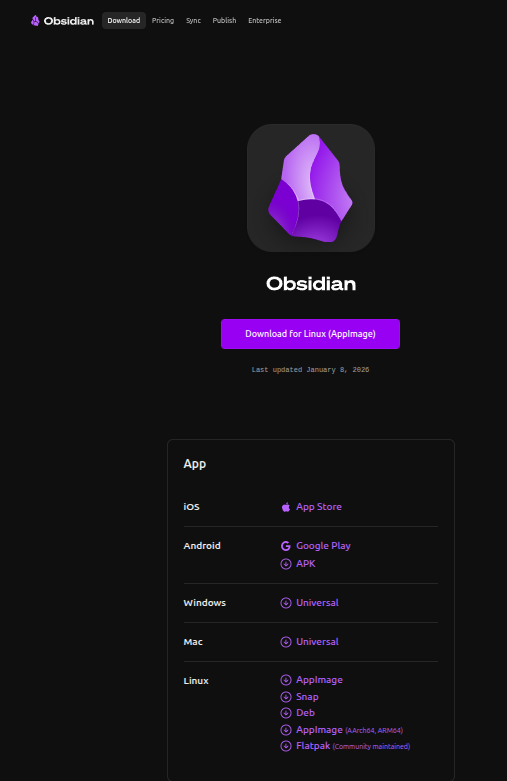
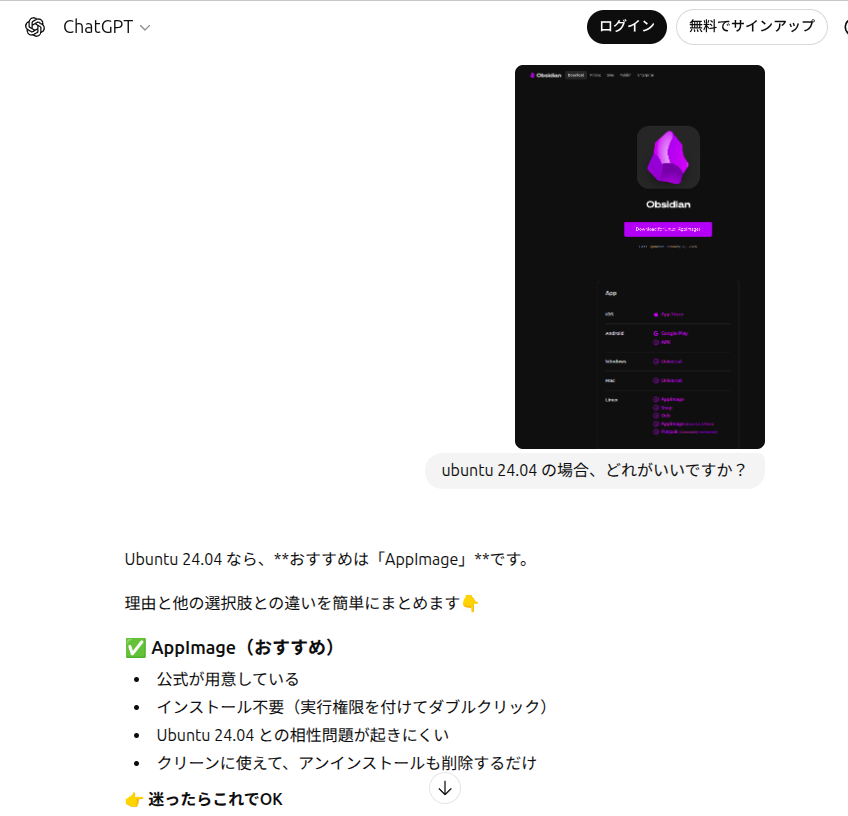
一応、AppImageを、ダウンロード
cd /home/ubuntu/ダウンロード/
chmod +x Obsidian-1.11.4.AppImage
./Obsidian-1.11.4.AppImage
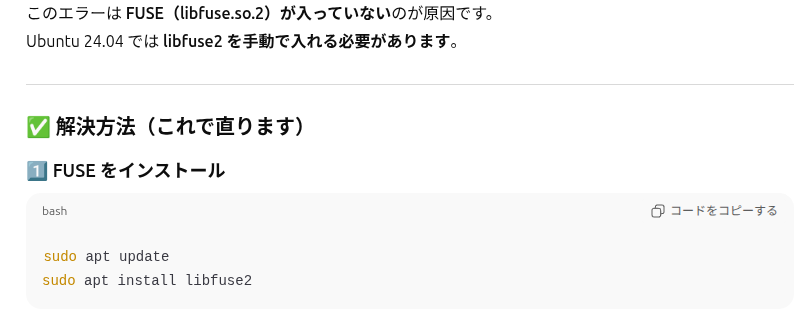
$ ./Obsidian-1.11.4.AppImage dlopen(): error loading libfuse.so.2 AppImages require FUSE to run. You might still be able to extract the contents of this AppImage if you run it with the –appimage-extract option. See https://github.com/AppImage/AppImageKit/wiki/FUSE for more information
エラーですね
$ ./Obsidian-1.11.4.AppImage [9308:0119/180812.158061:FATAL:sandbox/linux/suid/client/setuid_sandbox_host.cc:166] The SUID sandbox helper binary was found, but is not configured correctly. Rather than run without sandboxing I’m aborting now. You need to make sure that /tmp/.mount_ObsidiBzzMAA/chrome-sandbox is owned by root and has mode 4755. Trace/breakpoint trap (コアダンプ)
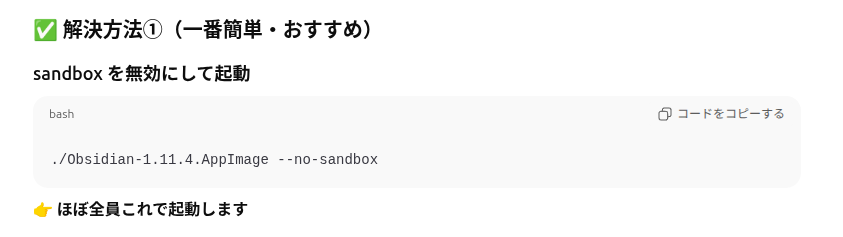
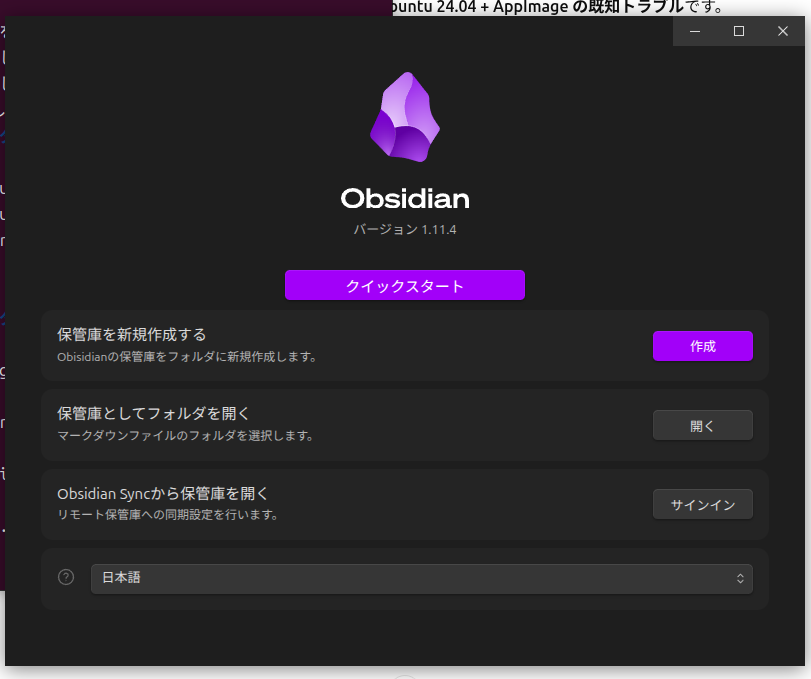
立ち上がりました